AI avatar from your photo
Upload one photo and pick a style: a professional headshot for LinkedIn, anime, 3D cartoon, watercolour or flat illustration. Or just crop and round your photo for free, with no AI and no upload. Free preview.
AIThis tool uses AI: it redraws your photo in the style you pick (Crop only mode uses no AI and never uploads). Your file is sent to a third-party AI image service to make the result, which stays private to you.
- Upload
- Preview free
- Download
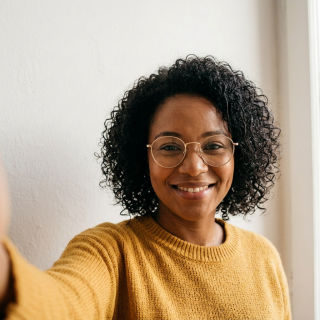
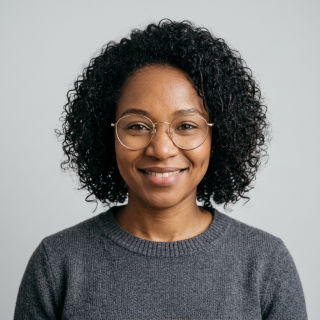
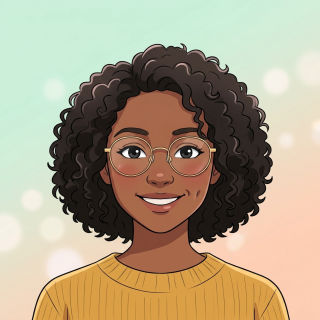
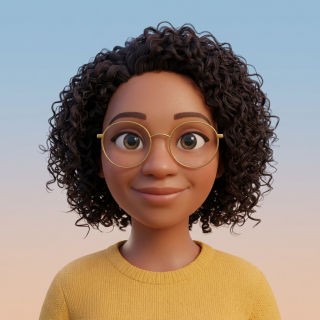
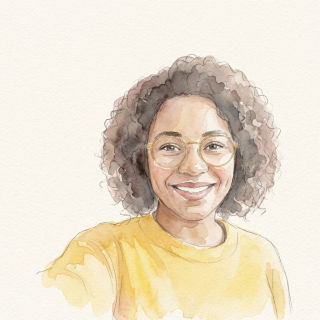
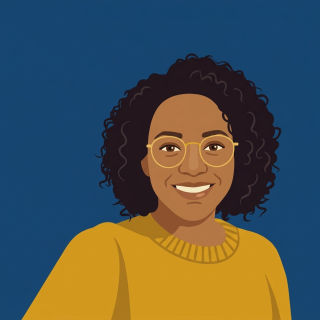
Pick a style
What it costs
The AI preview is free (a few per day, watermarked). Download the unwatermarked 1024 × 1024 square and round PNGs only if you like it: 2 credits. A failed result costs nothing.
Your photo is used only for this avatar, deleted within 24 hours and never used to train models.
How it works
Pick a style
Choose an AI style, or Crop only, which uses no AI: frame your own photo as a square or round avatar, free.
Upload one photo
A clear, front-facing photo of one person works best. JPG, PNG or WebP up to 20 MB.
Preview free, then download
See the avatar first. Download the full 1024 × 1024 square and round PNGs only if you like it: 2 credits per AI avatar. Crop only is always free.
Questions
Is the AI avatar generator free?
The preview is free, a few times a day, with a watermark. The full-size AI files without a watermark cost 2 credits. Crop only (no AI) is completely free. There is no subscription, and a result that fails costs nothing.
Which photo works best?
One person, face clearly visible and looking at the camera, in good light. Selfies are fine. Group photos, heavy filters, sunglasses or a face that is very small in the frame give weaker results.
Will it still look like me?
Every style is told to keep your face shape, skin tone, hair, eyes, glasses and expression. Stylised looks such as anime or flat illustration simplify features by design, so check the free preview before you pay.
What is Crop only?
A free way to turn a photo you already like into a profile picture: drag and zoom to frame your face, pick square or round, add a colour ring if you want, and download a 1024 × 1024 PNG. It runs in your browser, so the photo is never uploaded.
Can I use a photo of someone else?
Only with their permission. You confirm this before uploading. Do not upload photos of children unless you are their parent or guardian.
Where does my photo go?
For AI styles it is sent to a third-party AI image service, only to make this avatar. We keep it privately until the AI step finishes, then delete it. Results are deleted after 24 hours and never used to train models.
More on the board
Cut out the subject of any photo and get a transparent PNG.
Put any object photo on pure #FFFFFF, at its own size or a store size.
Turn a blurry PNG or JPG logo into clean SVG, PDF and EPS.
For busy photos: AI finds the subject, and we cut it from your original pixels.
Turn one photo into a profile picture: a professional headshot, anime, 3D cartoon and more.